
Bayer moire
On the analysis of RAW converters
With the existing diversity of RAW converters and their algorithms, there is the problem of choice: which converters are better (and for which purposes). An evident methodology is often encountered in internet forums: take one or several images, process them using different converters/algorithms/settings and compare them visually. The result often looks like this: image P should better be processed using algorithm Q, and image A is better handled by algorithm Z with option f+.
Moreover, it is simply wrong to analyze things in terms worse or better . The correct formulation is closer to/farther from the initial image .
The problem is that here we deal with a complex system, which includes
- The photographed object and light.
- The light path in the camera with lens aberrations and light scattering within the camera.
- The sensor with all construction features: anti-alias filter, color bayer filters, microlenses, etc.
- In-camera processing, both analog and digital.
- And, yes, also the RAW converter in question.
Even if we know the correct initial image (represented by a synthetic target with known characteristics), the contribution of each component from this list remains unclear.
Meanwhile, it is quite possible to exclude the photo camera (and the photographed scene) from the process and to study only the RAW converter itself, supplying it with specially generated input data. These data need not be plausible (that is, obtainable from an actual camera); actually, many interesting features of algorithms used in converters are better observed using unreal data.
Anti-aliasing stability
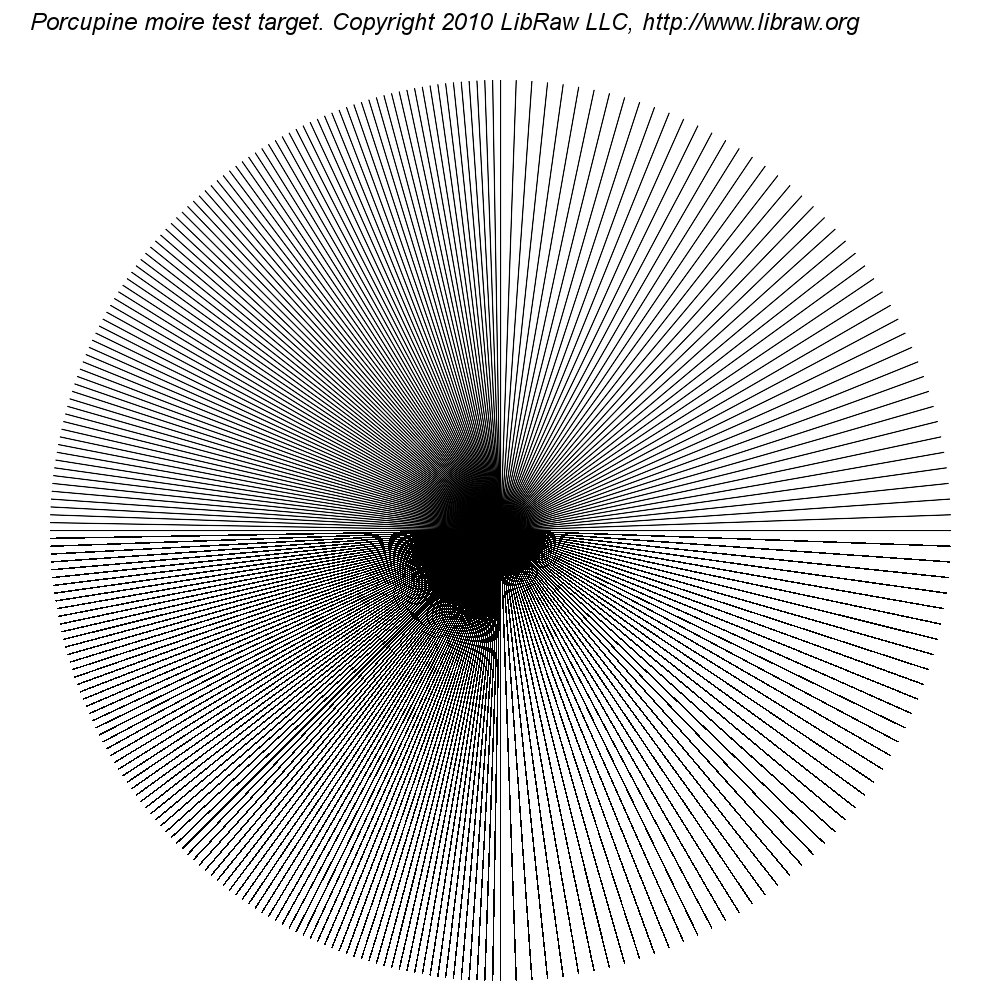 In the process of studying possibilities and approaches, we generated the first target, which sets truly intolerable conditions for demosaicing algorithms (Bayer interpolation).
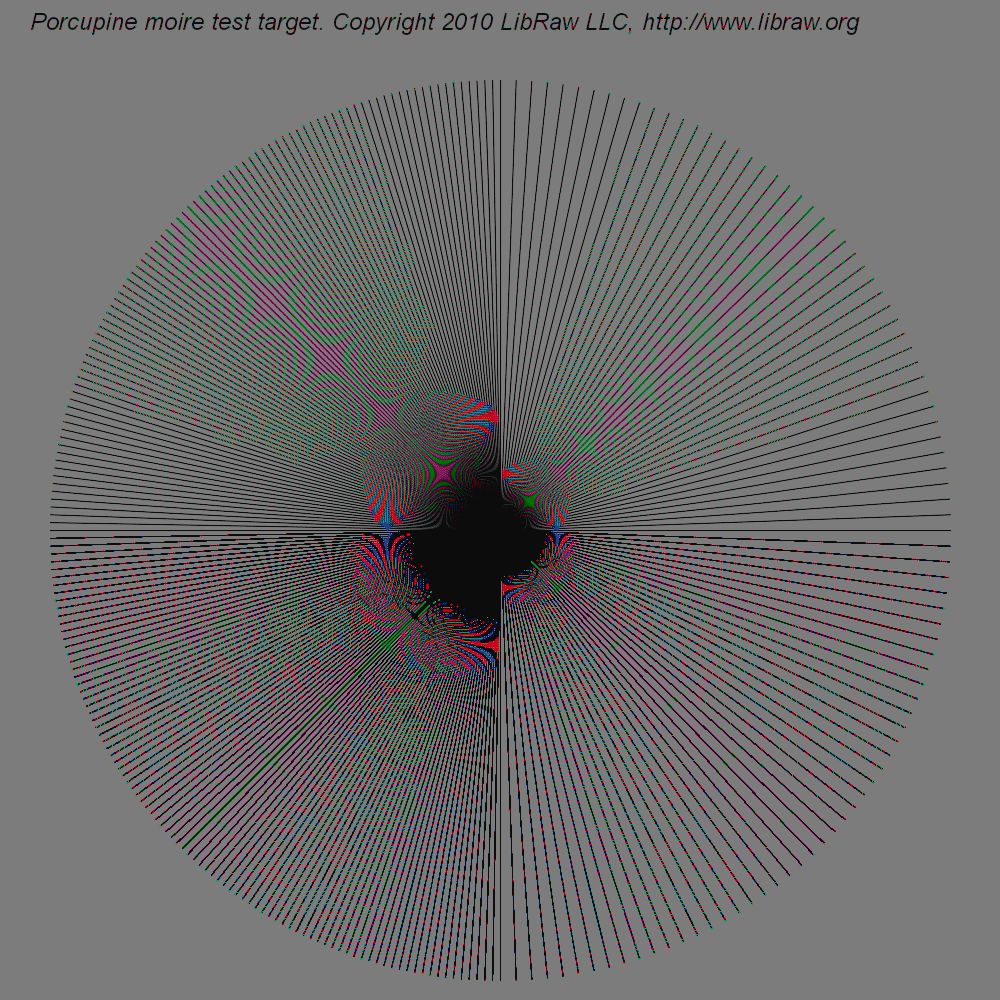
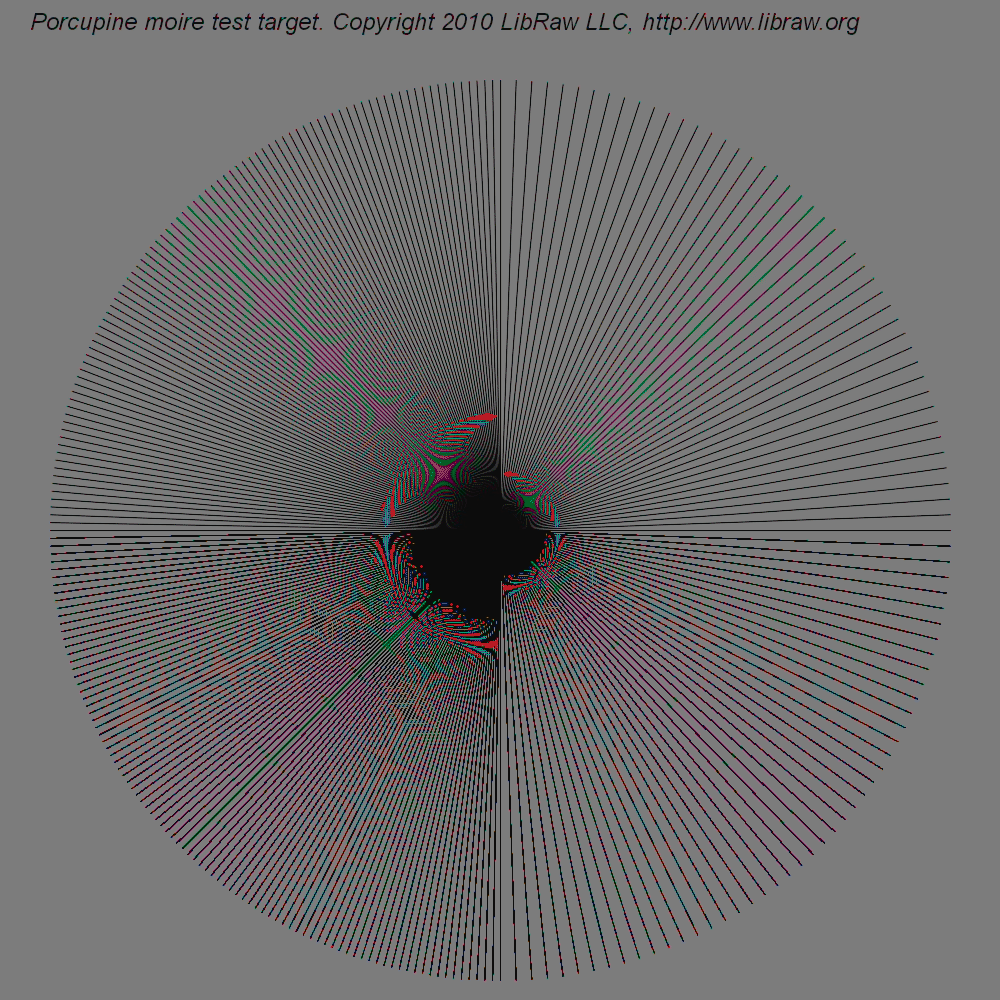
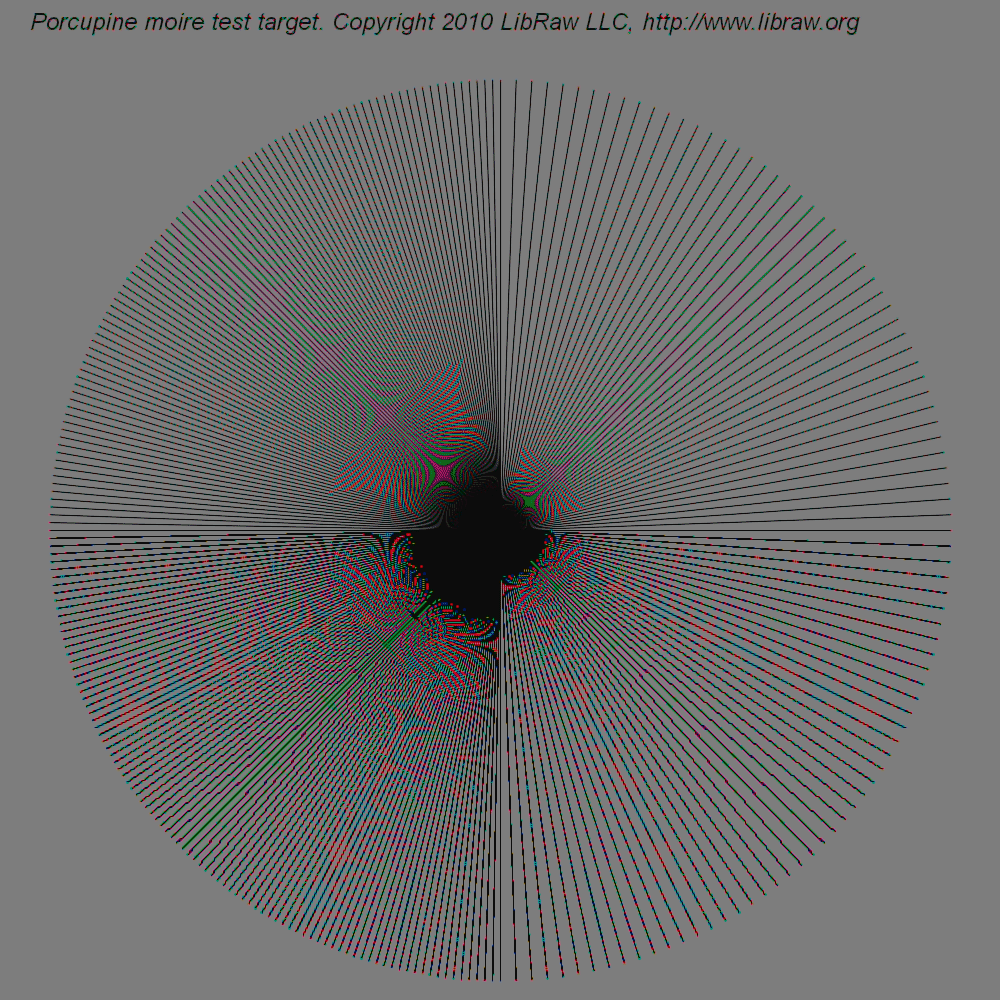
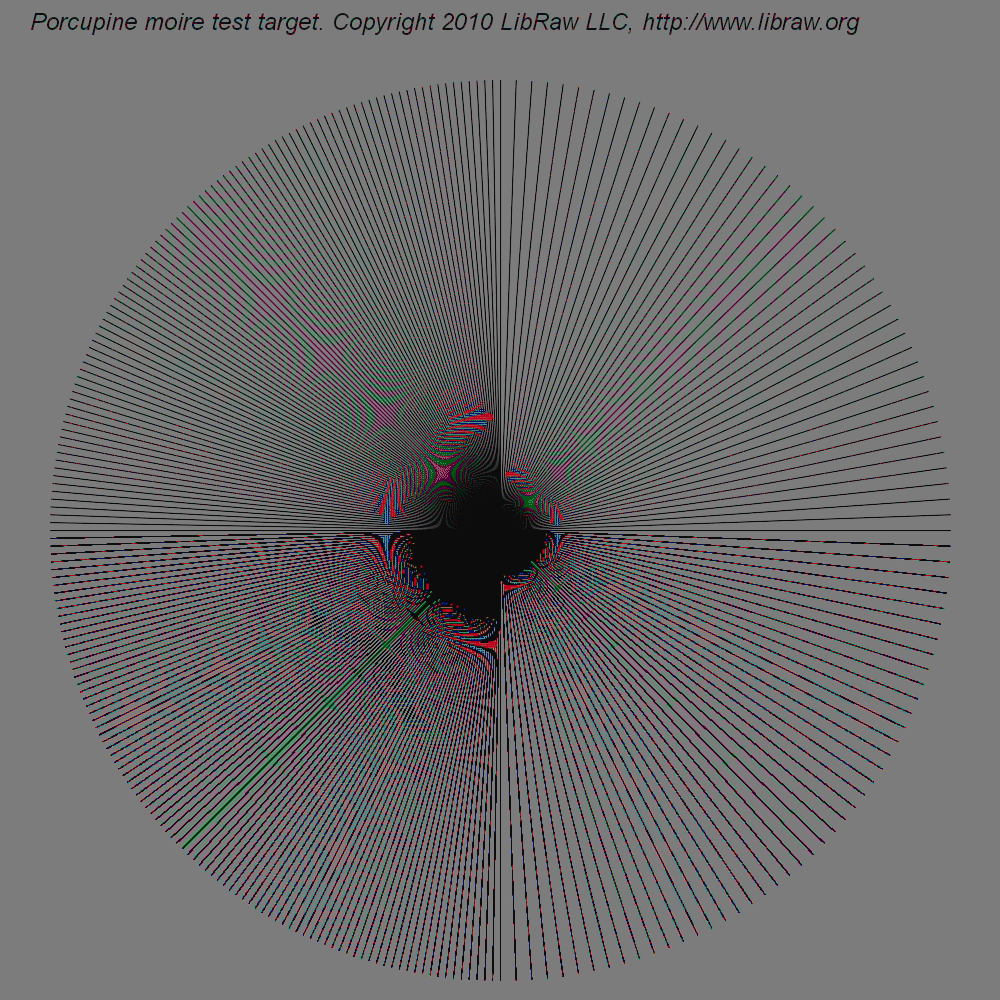
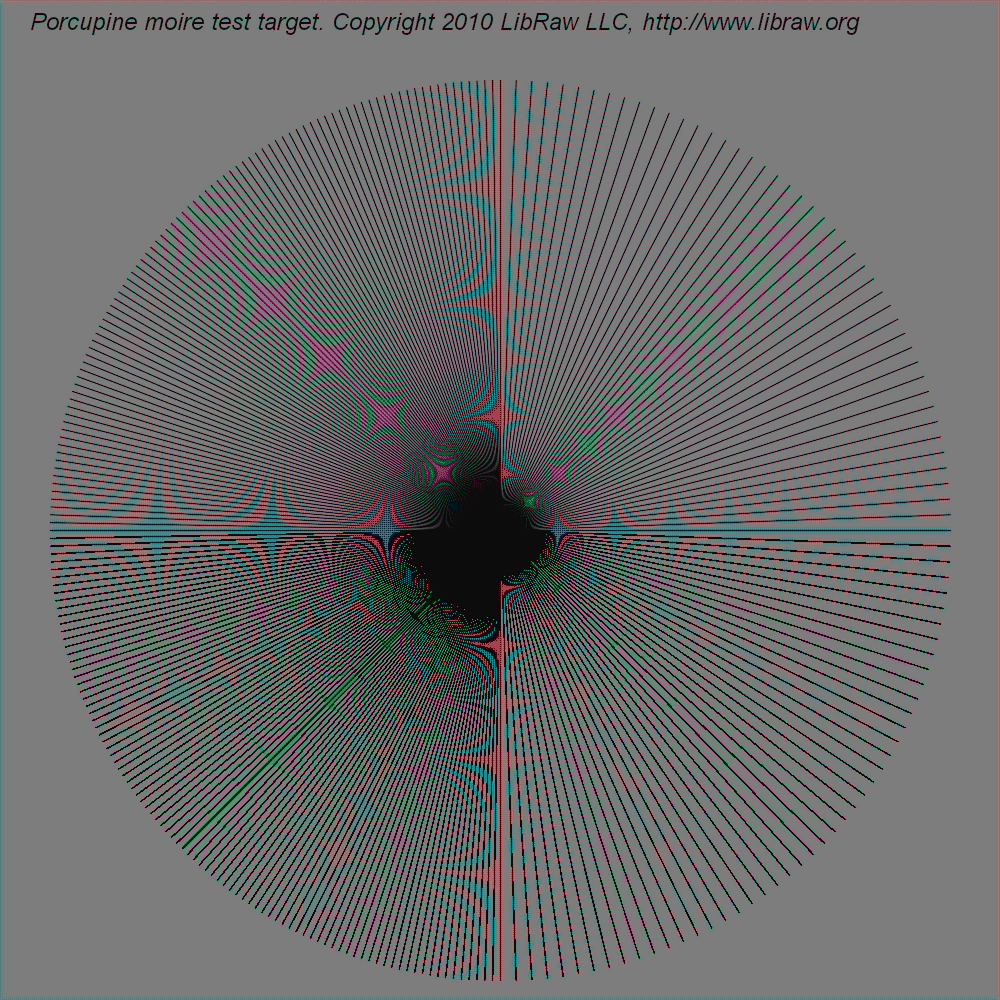
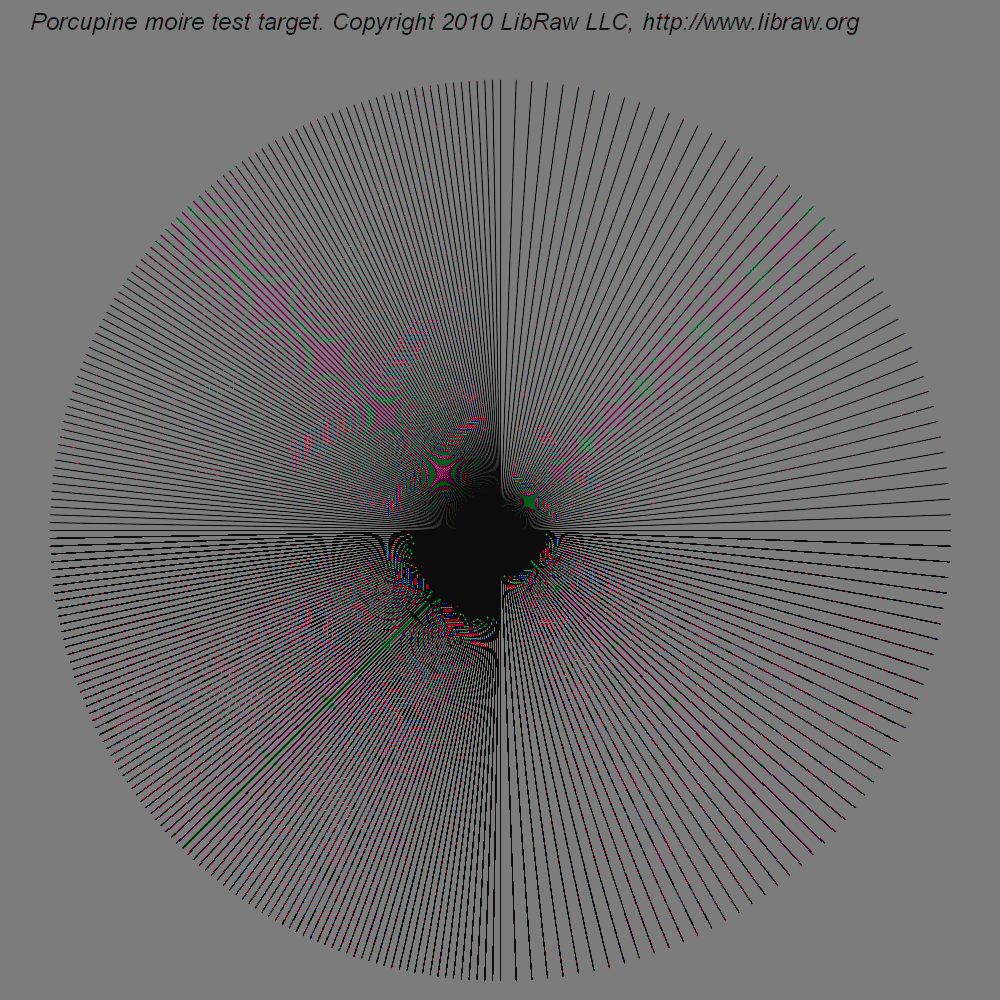
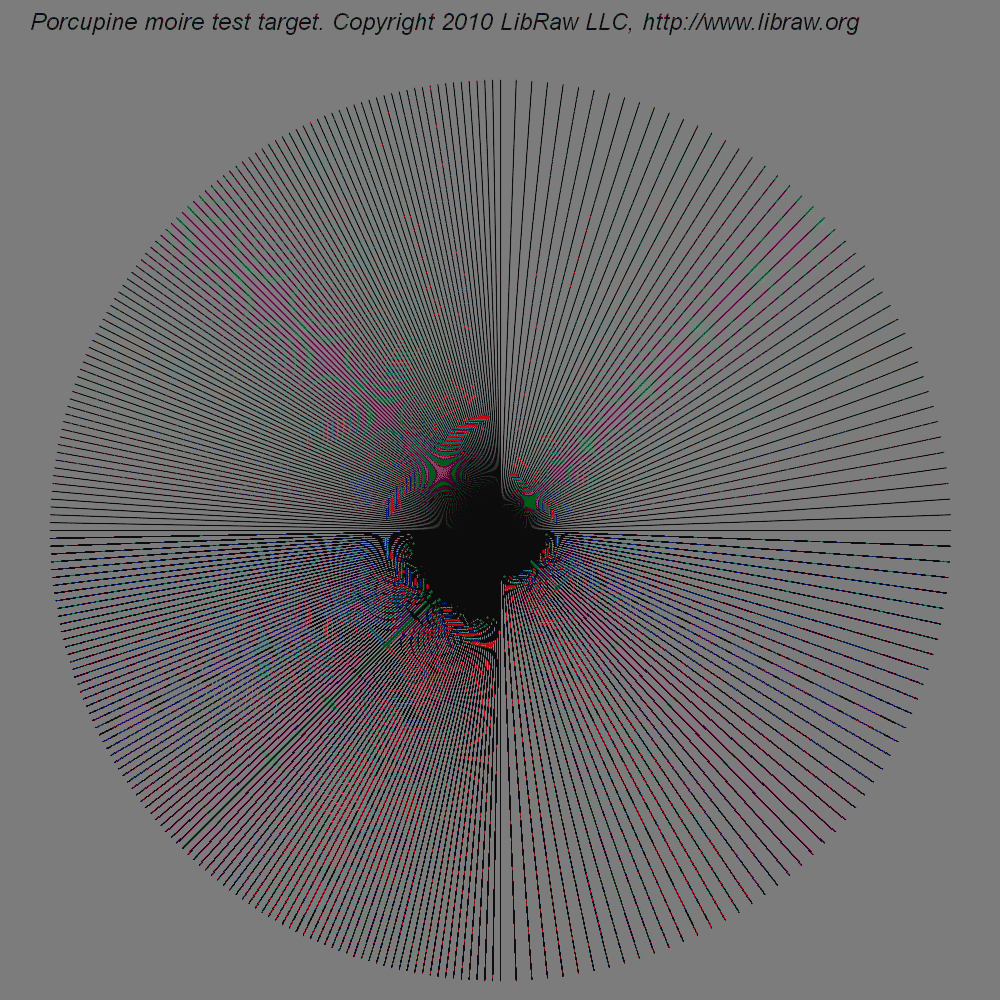
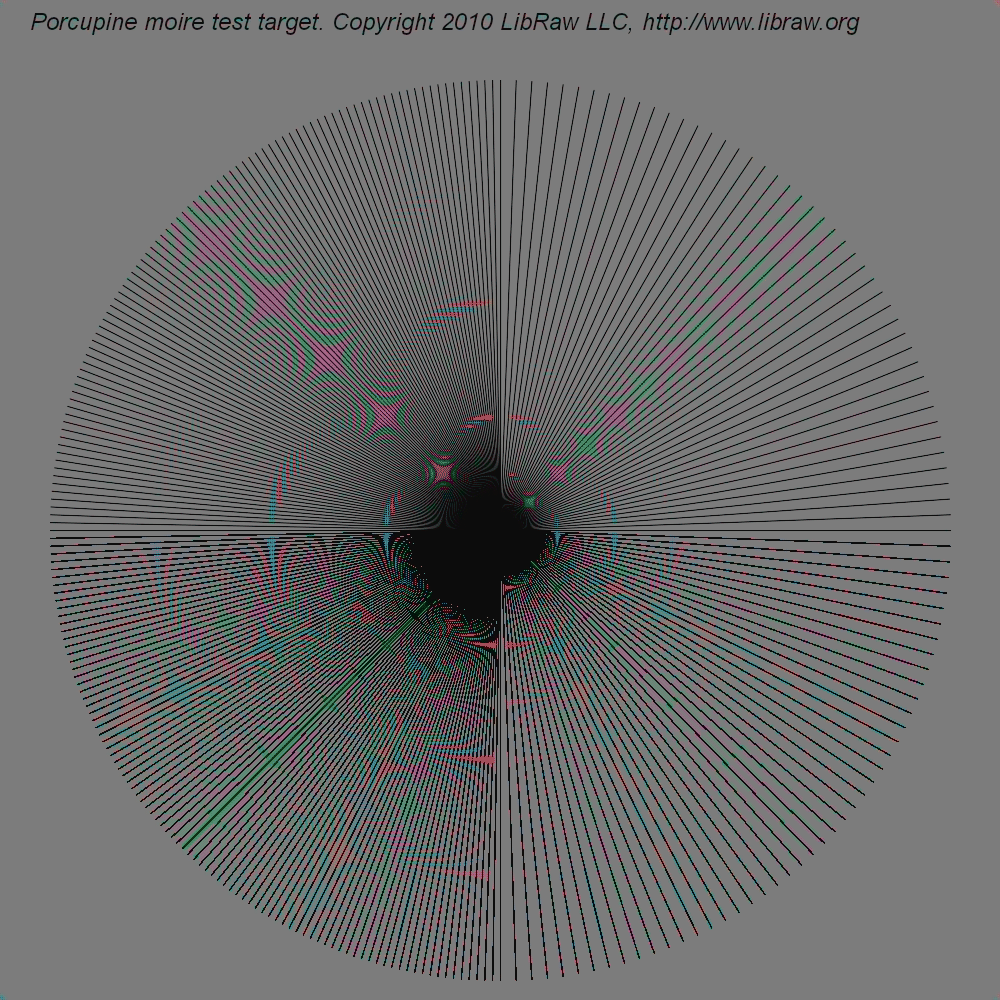
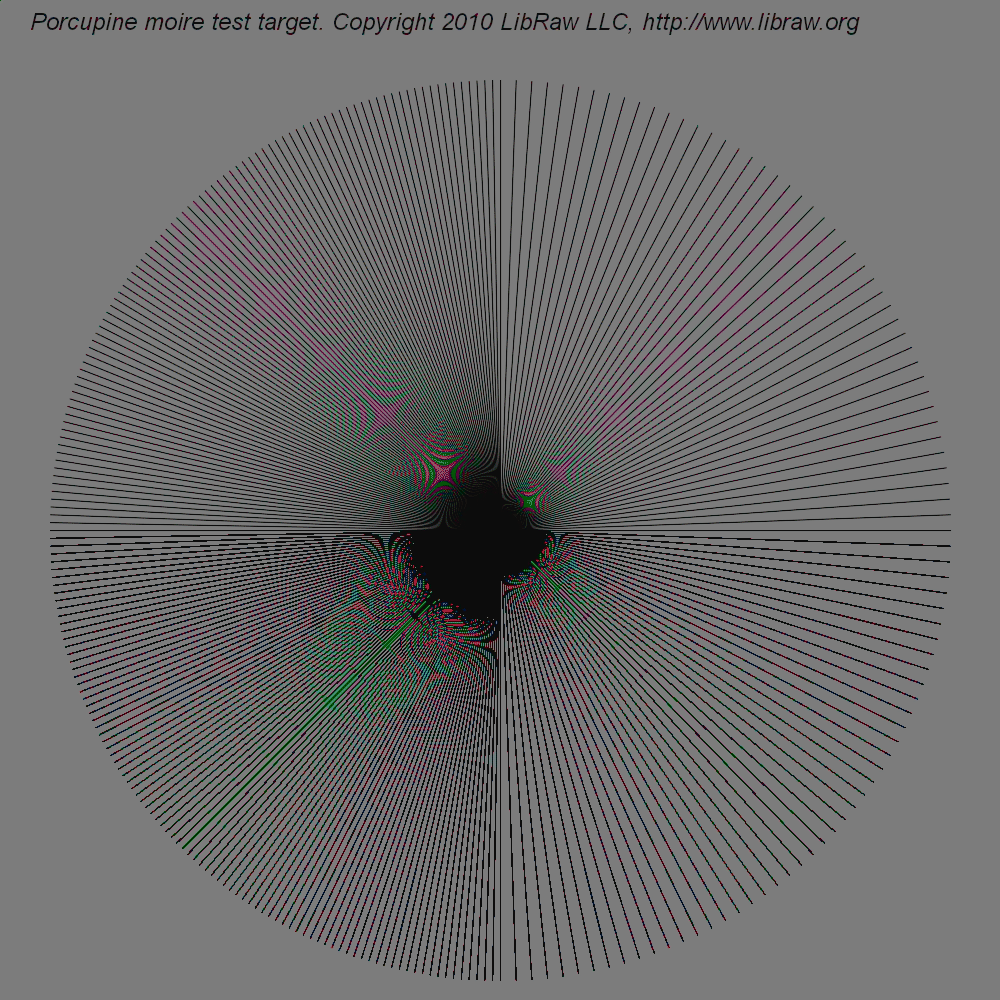
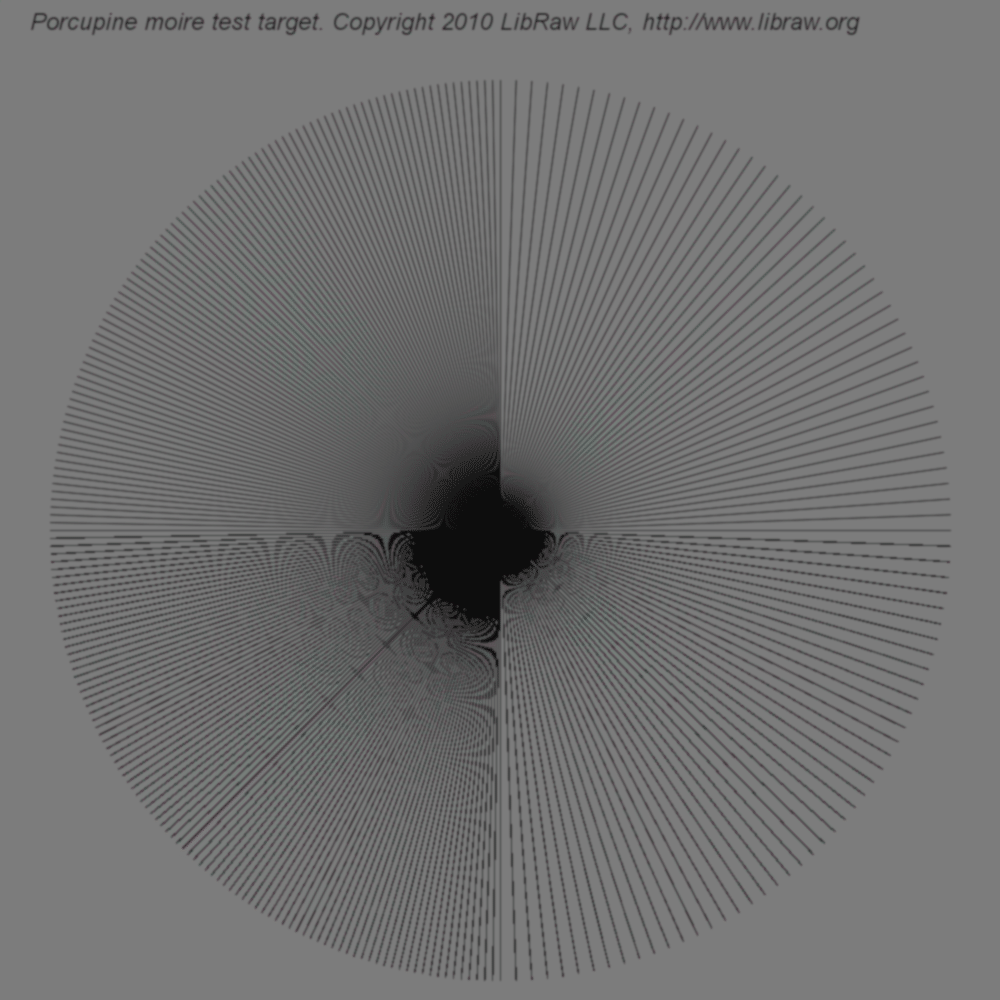
The target consists of one-pixel-wide lines emerging from a common center and forming a circle:
- The intervals between the radii in the right-hand half of the circle are two degrees; in the left-hand half, one degree.
- In the top part of the circle, the radii are drawn using antialiasing (by means of ImageMagick); in the bottom part, without antialiasing.
- White level 2 stops below saturation level.
- Black level 4 stops above black level.
- Color matrix diagonal with coefficients equal to unity.
- DNG constructed without anti-aliasing filter, that is, by just copying the values from the corresponding color channel of the initial TIFF file to DNG. It is virtually impossible to obtain such data using a real digital photo camera: even if there is no anti-aliasing filter (digital back), the lens will certainly provide some scattering. However, more real (blurred) targets are also considered below.
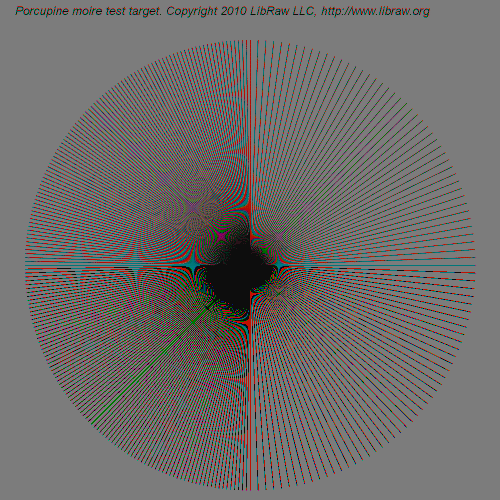
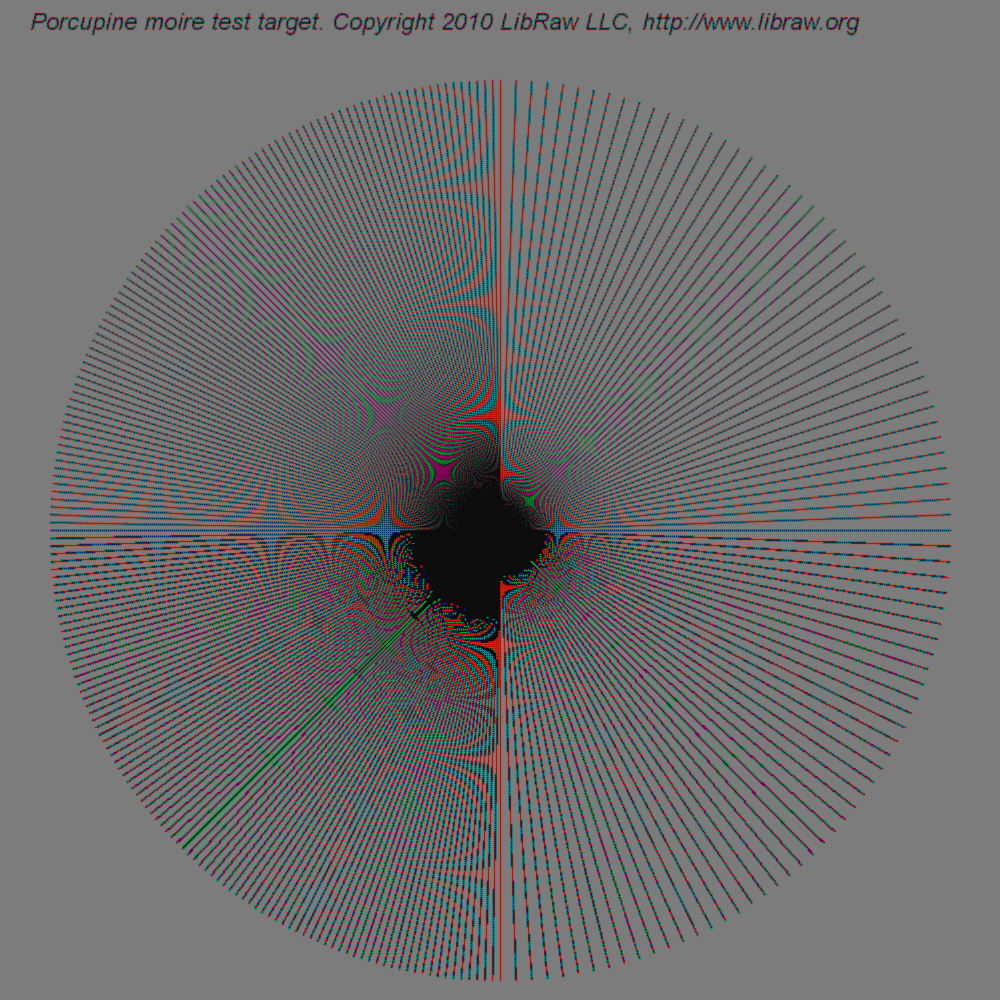
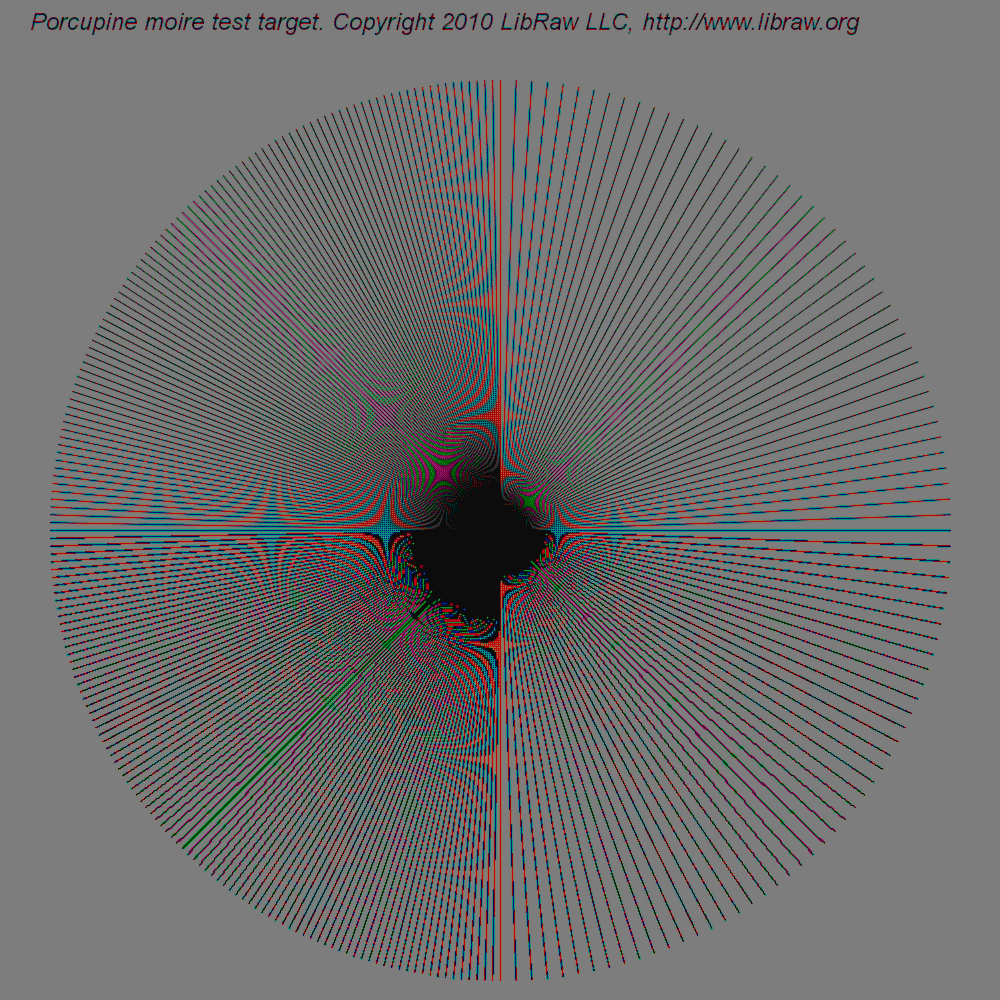
This DNG file was successively processed using all 12 interpolation methods available in LibRaw 0.12. The results are listed in the table below (all images are clickable and can be opened in full size 1000x1000). The pictures in the table are made so small on purpose, so that the readers would view full-size images rather than previews, since the preview formation algorithm is prone to moire itself. The results are converted to 8-bit PNG to save traffic while preserving image look.
|
|
|
|
|
|
|
|
|
|
|
|
Algorithm identification
The interference pictures produced by demosaicing algorithms on the aforementioned target are so indicative that one feels overwhelming desire to identify the algorithms used in commercial software. For these purposes, I tried
- Adobe Camera Raw 6.3
- Capture One 5.2.1
- HDR PhotoStudio 2.15.42
The settings were the default ones with a single exception: for Camera One, sharpening was set to Off, because it works too intensely on such a high-contrast target.
For two of the above programs, the method worked successfully:
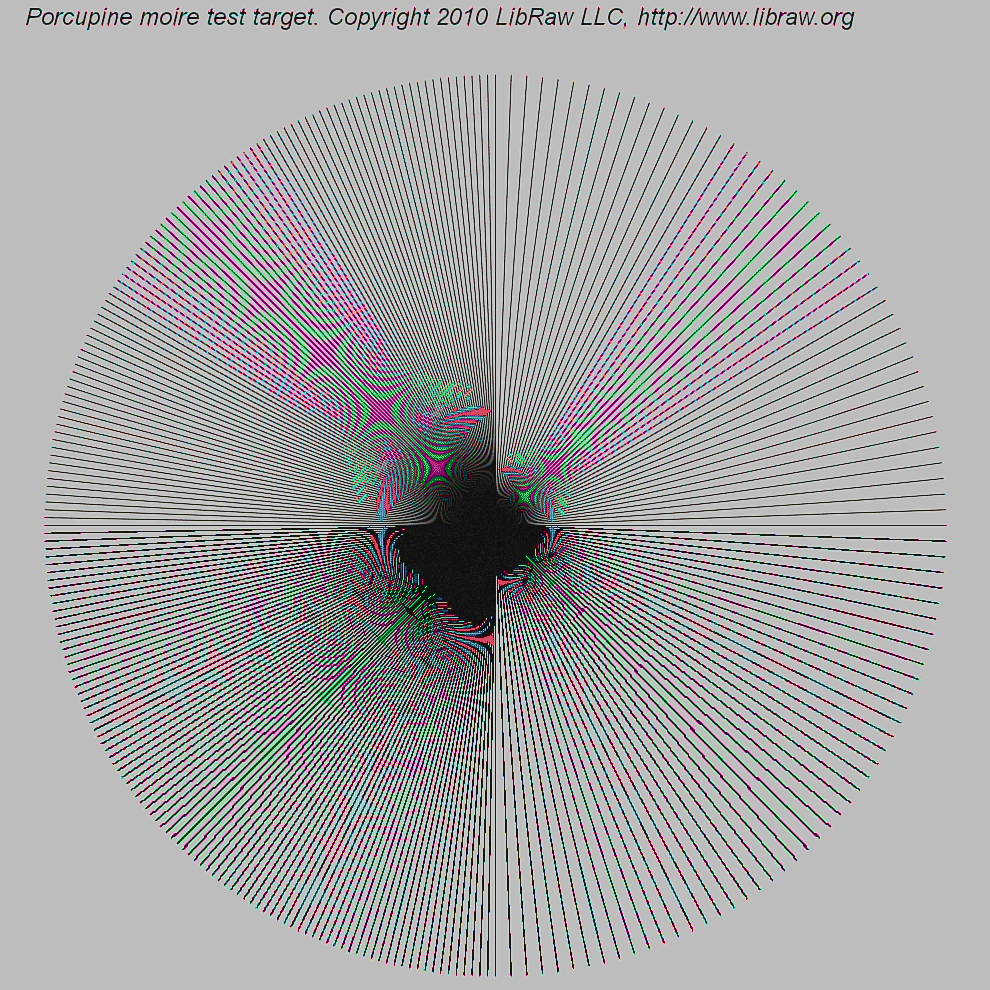 Adobe Camera Raw uses an algorithm whose results strikingly resemble those of modified AHD by Paul Lee .
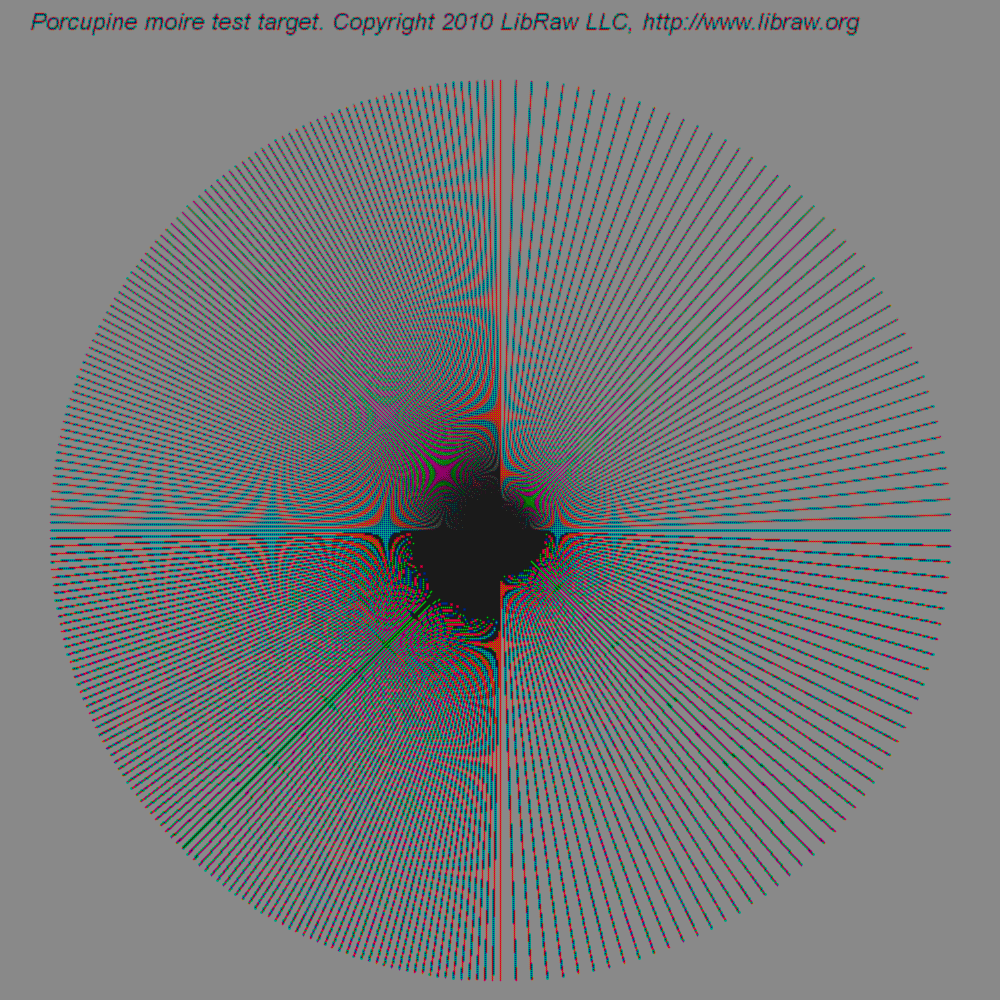 The results yielded by HDR PhotoStudio are extremely similar (up to minute features) to bilinear interpolation in LibRaw/dcraw (i.e. quality=0 setting).
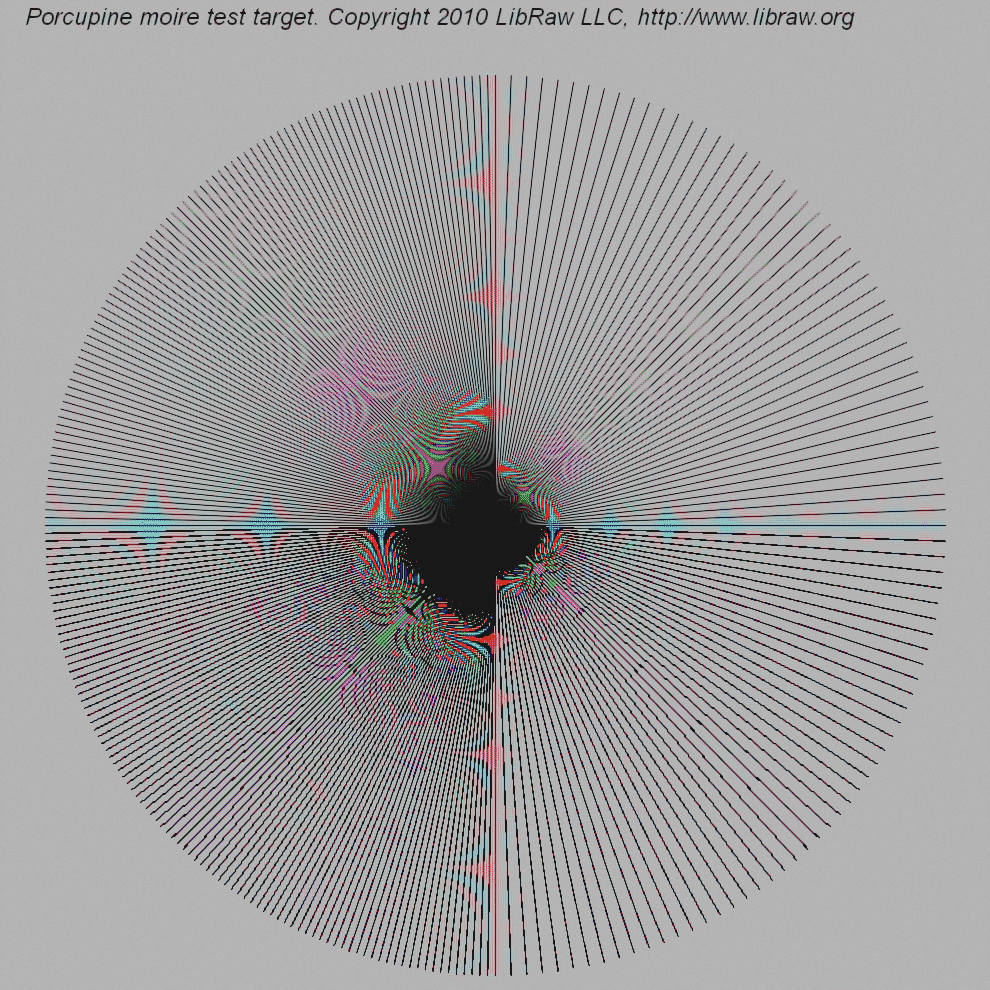 I failed to identify the algorithm in Capture One: the magenta-colored spot at 10:30 (northwest) wasn't seen in any of the LibRaw algorithms.
Closer to reality
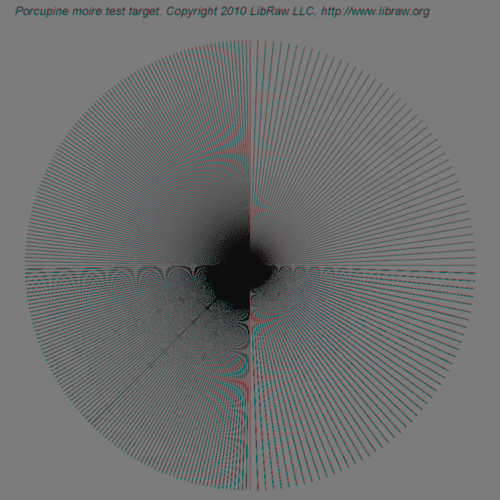
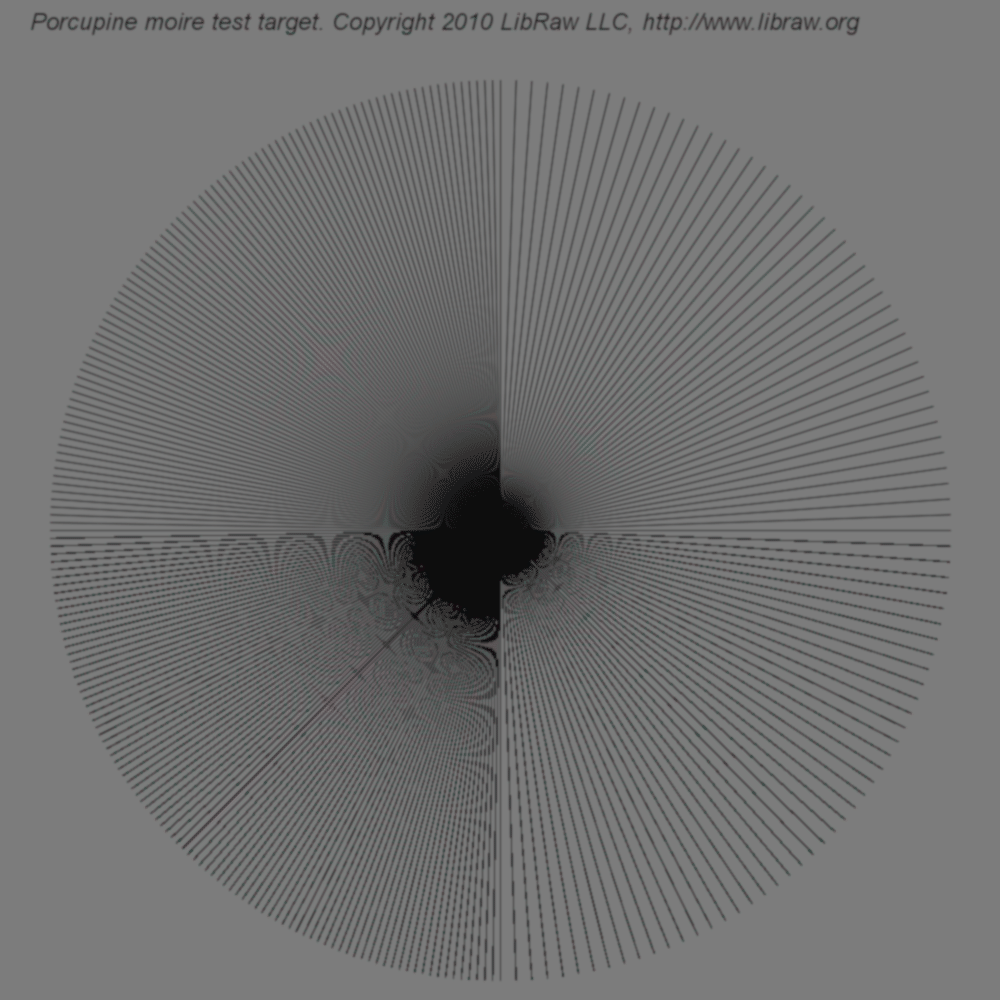
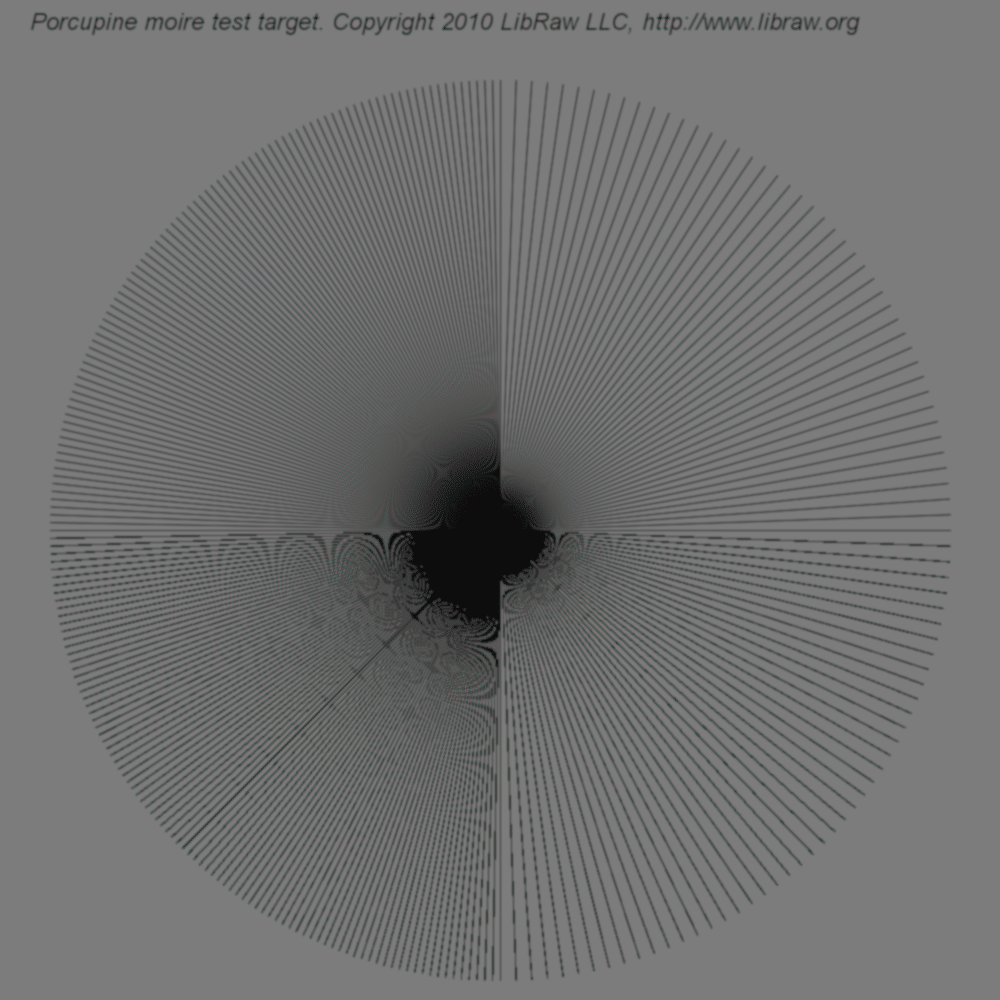
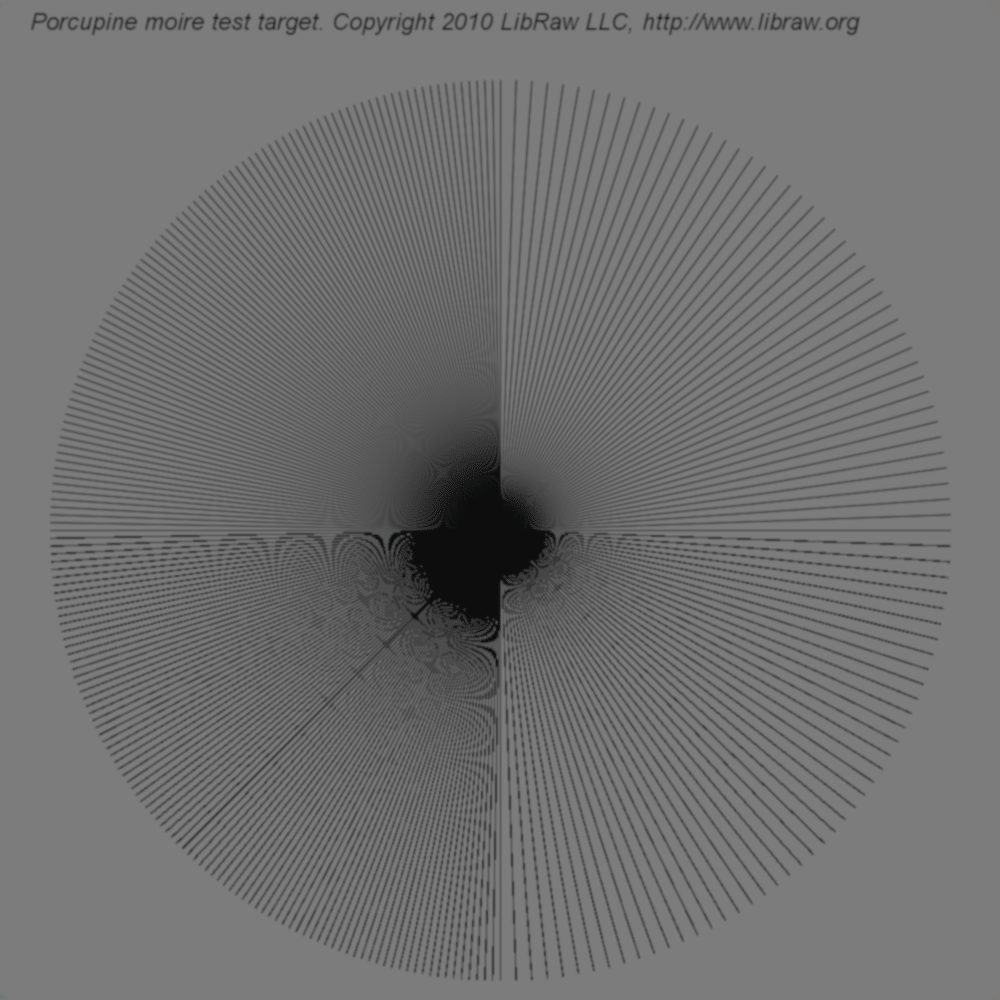
If we generate DNG from a blurred target (we used Gaussian Blur, radius 1.0), the problem becomes much closer to photographic reality.
This target ALSO has color aliasing for all 12 interpolation methods available in LibRaw. To avoid overloading this text, I show 5 of them (the three best methods from the previous test, DCB, and half , which is for some reason considered to be most immune to interpolation artifacts).
|
|
|
|
|
Interesting: the smallest amount of moire for this more photographically real model resulted from algorithm LMMSE. I advise the authors of RAW converters to take a closer look at it.
Conclusion
The very first experiments on feeding RAW converters with an artificially generated target brought me genuine pleasure. There will be more experiments. Beware, oh authors of converters!
And a separate word for pixel peepers. If, all of a sudden, your camera/lens can create a pixel-sized contrast object on the matrix, you can never predict what color it will be - or know if it will bear any resemblance, however remote, to the initial color.
For the independent exercise
- porcupine.dng - 'Porcupine moire target', sharp version.
- porcupine-blur.dng - 'Porcupine moire target', blurred one.
Recent comments